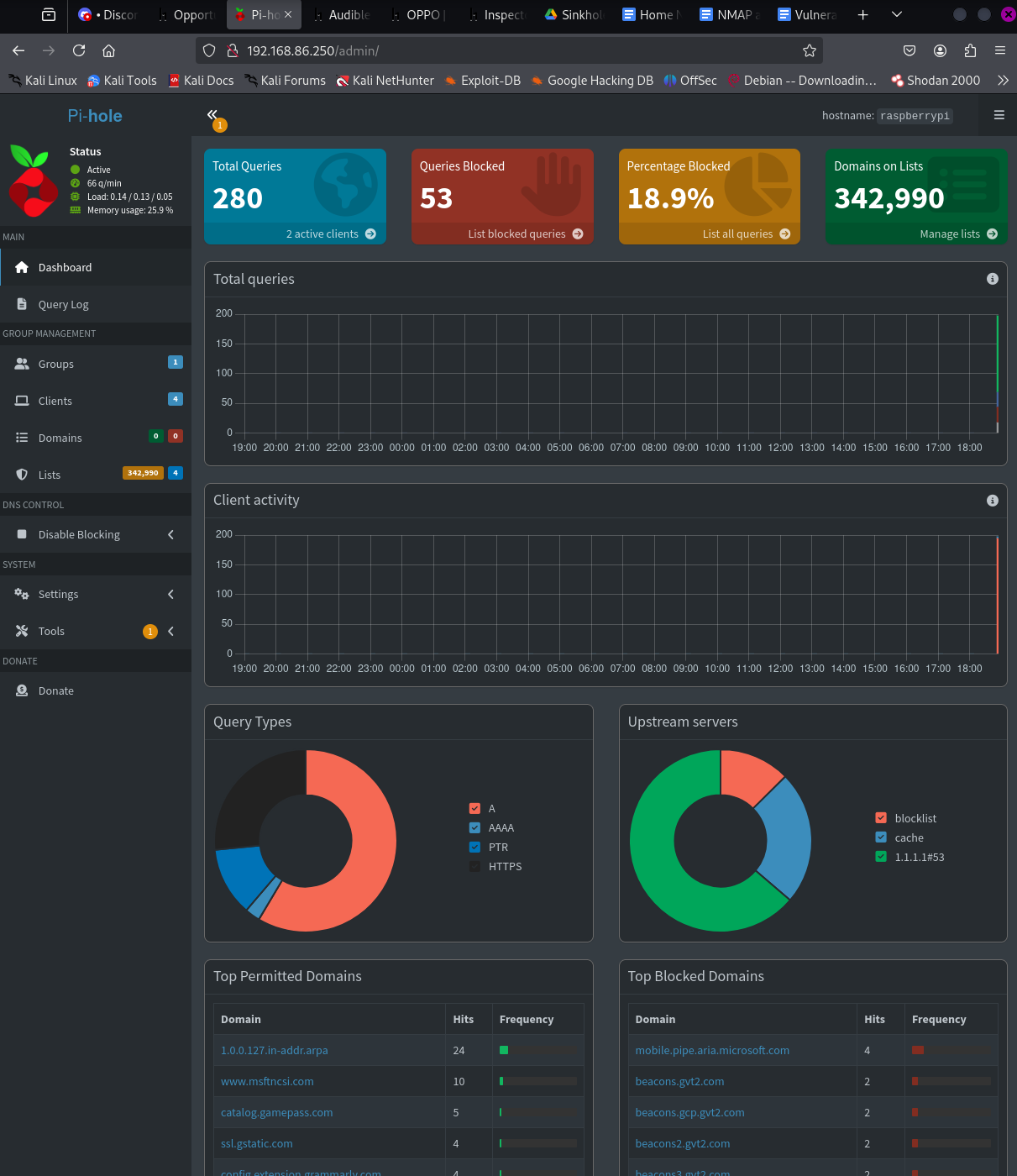
Setup
I installed Pi-hole on a Raspberry Pi and configured clients on the home network to use it for DNS. Requests hit the Pi first, where block rules can be applied before allowed queries are sent upstream.
The Pi runs headless and is managed over SSH. I added curated and custom block lists for unwanted domains and used the query interface to see what devices on the network were actually requesting.
Encrypted upstream DNS
I later added dnscrypt-proxy so allowed requests could be forwarded to an encrypted upstream resolver instead of leaving the network as normal plaintext DNS.
Why I kept it
The useful part for me is not just blocking ads. It gives me a simple place to look at DNS behavior across the network, test custom indicators, see which clients are making requests, and get more comfortable with one of the protocols that shows up everywhere in both networking and security.